Your Network Is Only as Good as Its Cabling
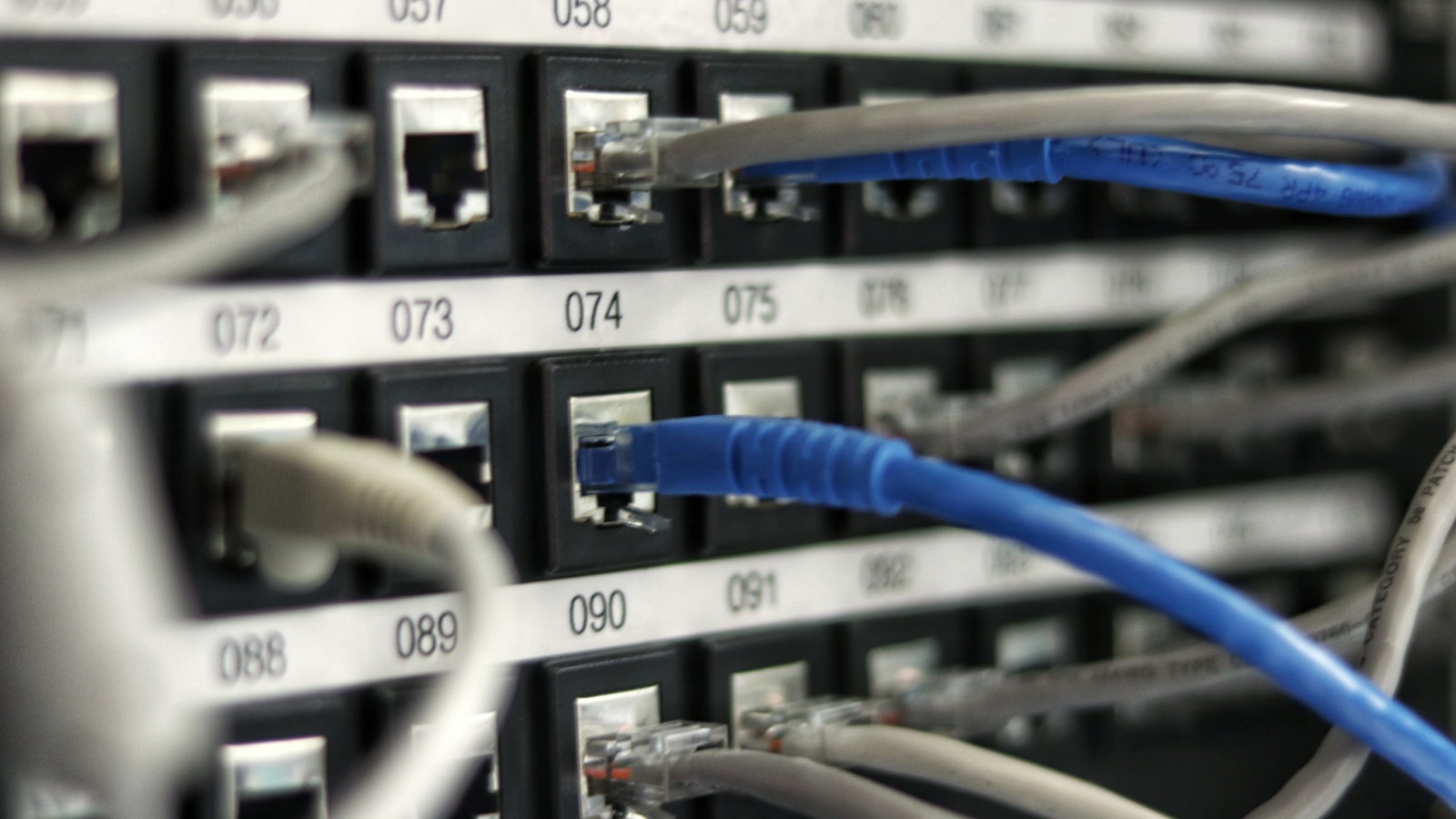
Network cabling is the foundation of your entire IT infrastructure. Every email, video call, cloud application, VoIP phone call, and security camera feed travels over your cabling. Yet it's one of the most overlooked components when businesses plan their technology investments.
Choosing between Cat6, Cat6a, and fibre optic cabling affects your network's performance, reliability, and longevity for the next 10 to 20 years. This guide breaks down the technical differences, real-world performance, and cost implications so you can make the right choice for your business.
Cat6 Cabling: The Current Standard
Category 6 (Cat6) cabling has been the workhorse of commercial networking for over a decade. It's the minimum standard we recommend for any new installation.
Technical Specifications
- Maximum bandwidth: 250 MHz
- Maximum data rate: 1 Gbps at up to 100 metres; 10 Gbps at up to 55 metres
- Cable diameter: Approximately 6mm
- Conductor: 23 AWG copper, 4 twisted pairs
- Shielding: Available in UTP (unshielded) and STP (shielded) variants
Best Use Cases
Cat6 is perfectly adequate for most small to mid-sized office environments where Gigabit Ethernet meets current needs. It handles standard business applications, VoIP phones, wireless access points, and security cameras without issue.
Limitations
The 55-metre distance limit for 10 Gbps is the primary constraint. If you anticipate needing 10 Gigabit Ethernet speeds — and many businesses will within the next few years — Cat6 falls short for longer cable runs. It's also more susceptible to crosstalk (signal interference between adjacent cables) compared to Cat6a, which can be problematic in dense cable bundles.
Cat6a Cabling: The Future-Proof Choice
Category 6a (augmented) cabling improves on Cat6 in every measurable way. It's increasingly becoming the standard recommendation for new commercial installations.
Technical Specifications
- Maximum bandwidth: 500 MHz
- Maximum data rate: 10 Gbps at up to 100 metres
- Cable diameter: Approximately 7.9mm
- Conductor: 23 AWG copper, 4 twisted pairs with improved separation
- Shielding: Most Cat6a cables include foil shielding (F/UTP) for superior crosstalk protection
Best Use Cases
Cat6a is ideal for businesses that want to future-proof their infrastructure. It's the right choice for:
- New office builds or major renovations where cabling will be in the walls for 15+ years
- Environments with high data demands — design firms, video production, engineering, healthcare
- Buildings deploying Wi-Fi 6 or Wi-Fi 6E access points, which require 2.5 Gbps or faster uplinks
- Data centres and server rooms where 10 Gbps connectivity is standard
- PoE++ (Power over Ethernet) applications that benefit from Cat6a's better heat dissipation
Limitations
Cat6a cables are thicker and heavier than Cat6, requiring larger conduits and cable trays. They're also stiffer, making them harder to work with in tight spaces. Installation labour costs are somewhat higher due to the additional handling requirements and more precise termination standards.
Fibre Optic Cabling: Maximum Performance
Fibre optic cabling transmits data as pulses of light through glass or plastic strands, offering performance levels that copper cabling simply cannot match.
Types of Fibre
- Single-mode fibre (SMF) — Uses a single light path for extremely long distances (up to 100 km) at speeds up to 400 Gbps. Used for building-to-building connections and ISP links
- Multi-mode fibre (MMF) — Uses multiple light paths for shorter distances (up to 550 metres for 10 Gbps). More common in internal building use due to lower equipment costs
Technical Advantages
- Speed: Supports 10 Gbps, 40 Gbps, 100 Gbps, and beyond
- Distance: Multi-mode reaches 550 metres; single-mode reaches kilometres
- Immunity: Completely immune to electromagnetic interference (EMI), making it ideal for industrial environments, near heavy machinery, or in buildings with significant electrical noise
- Security: Fibre cannot be tapped without detection, offering inherent physical security
- Weight and size: Fibre cables are significantly thinner and lighter than copper
Limitations
Fibre's primary drawback is cost. The cables themselves are comparably priced, but the transceivers, switches, and connectors are significantly more expensive than copper equivalents. Fibre also requires specialized tools and trained technicians for termination and splicing. It does not carry electrical power, so PoE devices still need copper connections or separate power.
Cost Comparison: Real-World Numbers
Here's what a typical 50-drop installation looks like in terms of relative cost:
Materials Cost Per Drop
- Cat6 — Lowest cost. Cable, jacks, and patch panels are widely available and affordable
- Cat6a — Approximately 25-40% more than Cat6 for materials. The cable itself is only marginally more expensive, but Cat6a-rated jacks, patch panels, and patch cords add up
- Fibre (multi-mode) — Cable cost is comparable to Cat6a, but switch ports with SFP modules and fibre patch panels increase overall cost by 50-100% compared to Cat6
Installation Labour
Cat6 and Cat6a installation labour is similar, with Cat6a taking slightly longer due to the thicker cable. Fibre installation requires specialized fusion splicing equipment and certified technicians, which increases labour costs by approximately 30-50%.
Our Recommendation: For most Canadian businesses, Cat6a offers the best balance of performance, future-proofing, and cost. Use fibre for backbone connections between floors, buildings, or network closets, and Cat6a for horizontal runs to desktops, phones, cameras, and access points.
The Hybrid Approach: Best of Both Worlds
The most effective commercial network designs use a hybrid approach that leverages the strengths of both technologies:
- Fibre backbone — Connect your main distribution frame (MDF) to intermediate distribution frames (IDFs) on each floor using fibre. This provides the bandwidth headroom for growing traffic between network closets
- Cat6a horizontal cabling — Run Cat6a from each IDF to wall jacks throughout the floor. This delivers 10 Gbps to every desk, camera, access point, and phone
- Fibre to the desktop — Reserved for specialized workstations that require extreme bandwidth, such as video editing suites or medical imaging stations
This hybrid approach gives you enterprise-grade performance at a practical price point, with the scalability to handle whatever your business needs over the next two decades.
Make the Right Cabling Investment
Your cabling infrastructure will outlast every other IT component in your building. Servers, switches, and computers are replaced every 3-5 years, but cabling stays in the walls for 15-20 years. Investing in the right cabling today avoids costly re-cabling projects down the road.
At TechBoss, we design and install structured cabling systems for businesses across Toronto and the GTA. Our certified technicians ensure every cable is properly terminated, tested, and documented. Request a free quote or contact us to discuss your cabling project.