Why Cabling Design Matters for Your Office
Your network cabling is the foundation of every IT system in your building — phones, computers, WiFi, security cameras, and access control all depend on it. Poor cabling design leads to slow networks, dropped connections, and expensive rework when you need to expand.
Whether you're building a new office or renovating an existing one, getting the structured cabling right from the start saves thousands in future costs.
Cat6 vs. Cat6a vs. Fibre Optic: Which Cable Type?
The three main cable types for modern offices:
- Cat6 — Supports up to 1Gbps at 100 metres. The standard for most office workstations. Cost-effective and widely used.
- Cat6a — Supports up to 10Gbps at 100 metres. Recommended for new builds, high-density areas, and future-proofing. Slightly thicker and more expensive than Cat6.
- Fibre optic (single-mode or multi-mode) — Supports 10Gbps–100Gbps over long distances. Used for backbone runs between floors, buildings, and to the server room. Essential for larger offices.
For a detailed comparison, see our guide on Cat6 vs Cat6a vs Fibre.
How Many Cable Drops Do You Need?
A "cable drop" is a single network connection point (wall jack). Plan for:
- 2 drops per workstation — one for computer, one for phone or spare
- 1 drop per WiFi access point — typically one AP per 1,500–2,000 sq ft
- 1 drop per security camera — IP cameras need network access
- 1 drop per access control point — card readers, door controllers
- Dedicated drops for printers, AV equipment, and conference rooms
Rule of thumb: plan for 20–30% more drops than you currently need. Adding cable runs after construction is 3–5x more expensive than during the build.
Server Room and MDF/IDF Design
Every office needs a central location where all cables terminate:
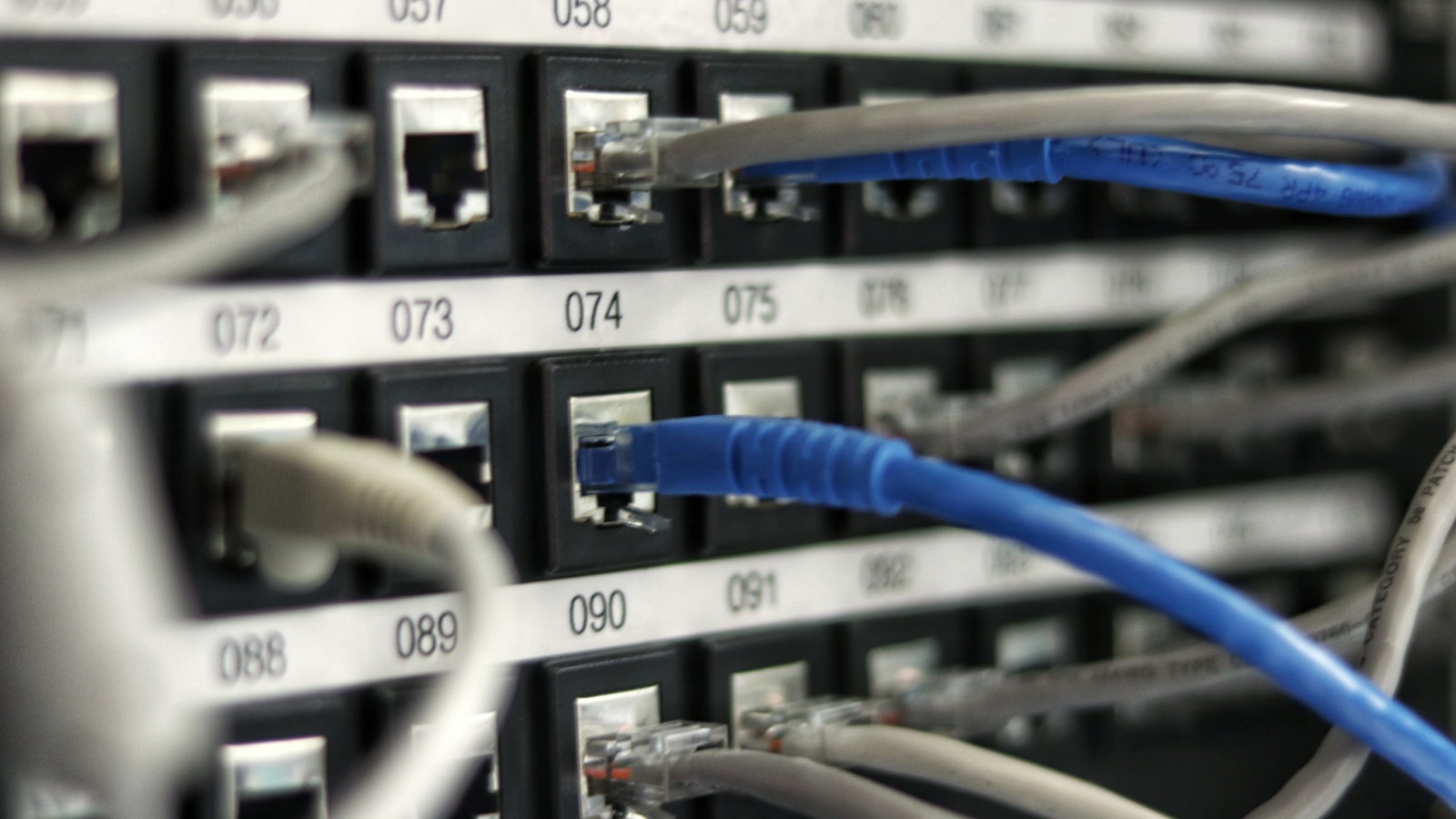
- MDF (Main Distribution Frame) — The primary network room housing your core switches, patch panels, servers, firewall, and ISP connection. Needs dedicated cooling, UPS power, and physical security.
- IDF (Intermediate Distribution Frame) — Secondary closets on other floors or wings. Connected to the MDF via fibre backbone. Each IDF houses switches and patch panels for its zone.
For offices under 5,000 sq ft, a single MDF closet is usually sufficient. Larger offices need IDFs to keep cable runs under 90 metres (the Cat6/6a maximum).
Common Cabling Mistakes to Avoid
- Running cables parallel to electrical lines — causes electromagnetic interference. Maintain at least 12 inches of separation.
- Skipping cable testing — every cable should be certified after installation to ensure it meets spec.
- Not labelling cables — every cable, patch panel port, and wall jack should be labelled for easy troubleshooting.
- Using plenum-rated cable in non-plenum spaces (or vice versa) — fire code requires plenum-rated cable in air handling spaces.
- Under-sizing conduit — leave room for future cable additions. A conduit that's full today is a problem tomorrow.
Get Professional Cabling Design
TechBoss provides complete structured cabling services for office buildings across Canada — from design and planning through installation and certification. Request a quote for your next project.